

What Smart Home Hub Delivers Stable Connectivity?
Last Updated: October 25, 2026
Quick Summary
A smart home hub stable connectivity solution requires multi-protocol support, local processing, and wired Ethernet options to prevent device dropouts and reconnection delays. The Graffiti Smart Central Control Home Panel at $276.00 offers Wi-Fi and Ethernet networking with recessed wall mounting for reliable, unified control across different device brands.
- Matter protocol unifies devices from different manufacturers through a single IP-based connectivity standard
- Wired Ethernet uplinks reduce dropouts far more than Wi-Fi-only hubs
- Local processing lets your hub work during internet outages for basic commands
- Multi-protocol mesh support prevents lock-in to one ecosystem's failure modes
- Recessed mounting integrates the hub into infrastructure for better signal distribution
Table of Contents
- Why Stable Connectivity Matters in a Smart Home Hub
- Smart Home Hub Compatibility Across Device Ecosystems
- Matter-Compatible Smart Home Hub Options for Reliability
- Wireless Protocols and Network Reliability
- Local Control and Offline Operation
- Smart Home Connectivity Troubleshooting and Setup
- Getting Started With Your Smart Home Hub Setup
- Frequently Asked Questions
Why Stable Connectivity Matters in a Smart Home Hub
Stable connectivity is the foundation of every smart home. Without it, devices drop offline, voice commands fail, and routines don't trigger. A smart home hub stable connectivity solution is the difference between a system that works and one that frustrates you daily.
According to Credence Research's 2024 market analysis, the smart home hub market is projected to reach USD 31,629.5 million by 2032, growing at a 12.28% CAGR, driven largely by demand for reliable, interconnected ecosystems.
This guide covers what matters when selecting a smart home hub for stable connectivity: compatibility, wireless protocols, local control, and features that prevent dropouts and reconnection delays.
Smart Home Hub Compatibility Across Device Ecosystems
Device compatibility determines whether your hub can control the devices you own. Most people have a mixed ecosystem, some Amazon devices, a Google speaker, a few Philips Hue lights, so a single-brand hub is useless.
The best hubs support multiple wireless protocols and work across brands. This is where Matter comes in. The Connectivity Standards Alliance's Matter protocol documentation describes Matter as a unifying, IP-based connectivity protocol designed to support reliable, secure IoT ecosystems. Unlike older proprietary systems, Matter lets devices from different manufacturers communicate through a single hub.
Real compatibility means your hub speaks Zigbee, Z-Wave, Matter, and Wi-Fi, so you can add a Philips device, an Ecobee thermostat, and an Amazon plug to the same system without friction. The ScienceDirect research on smart home interconnectivity found that users perceive interconnectivity as essential: they want one hub controlling everything, not separate hubs for separate brands.

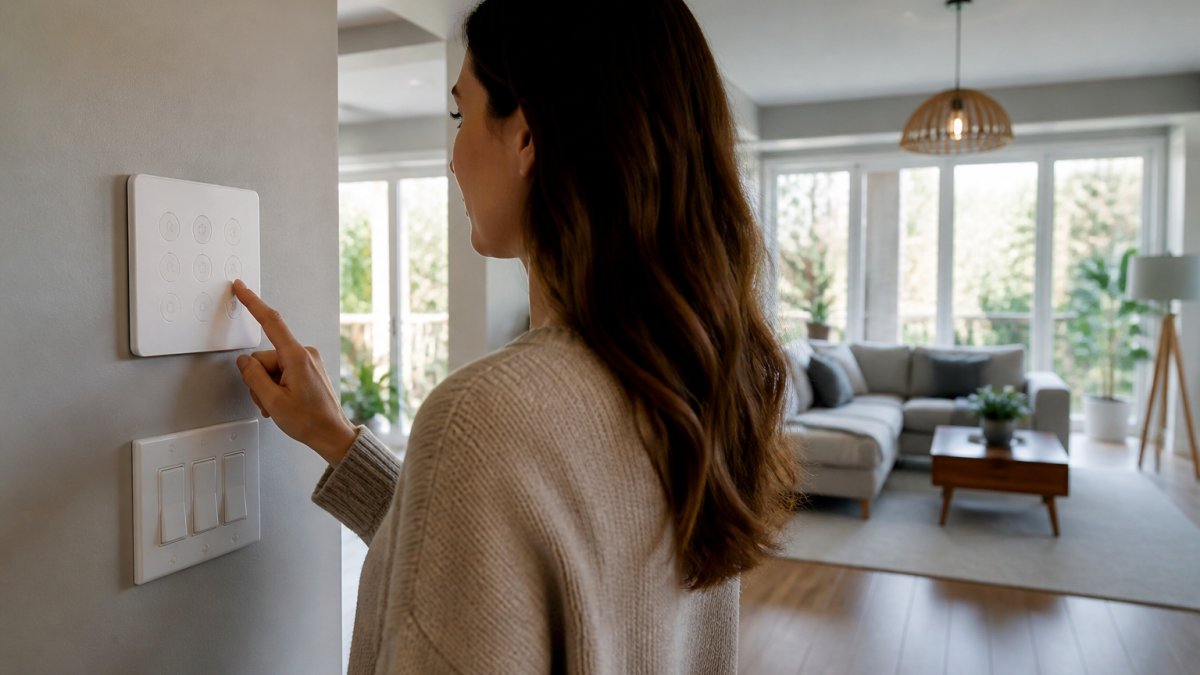
Consider the Graffiti Smart Central Control Home Panel: an 8-inch wall-mounted panel with a 1280 × 800 IPS LCD display that supports both Wi-Fi (802.11b/g/n) and Ethernet. Recessed installation integrates it into your wall rather than cluttering your countertop.

| Hub Feature | Why It Matters | Impact on Stability |
|---|---|---|
| Multi-protocol support | Controls devices from different brands | Fewer dropouts, unified automation |
| Local processing | Doesn't rely on cloud for basic commands | Works during internet outages |
| Ethernet option | Wired connection reduces Wi-Fi congestion | Lower latency, fewer reconnections |
| Recessed mounting | Integrates into infrastructure | Better signal distribution |
Matter-Compatible Smart Home Hub Options for Reliability
The Graffiti Smart Central Control Home Panel at $276.00 is an 8-inch panel with Wi-Fi and Ethernet networking options.
Wireless Protocols and Network Reliability
What to verify before buying:
- Does the hub expose a wired Ethernet uplink? Consider pairing your hub with a Home Broadband Telecommunications Wi-Fi Router & High-Speed Hub to ensure the stable wireless foundation your smart home needs. Wired hubs drop far less often than Wi-Fi-only hubs.
- Does it support at least two mesh radios (Zigbee and Thread, or Zigbee and Z-Wave) so you are not locked into one ecosystem's failure modes?
- Can you see per-device signal strength and last-seen timestamps in the app? Without visibility you cannot diagnose a flaky mesh.
- Does it let you set a fixed Zigbee/Thread channel away from your Wi-Fi channel? Channel overlap is a common, fixable cause of dropouts.
Local Control and Offline Operation
Skip if: You primarily use cloud-based routines and remote access from your phone.

Smart Home Connectivity Troubleshooting and Setup
Most "unstable hub" complaints aren't hub failures at all, they're one of four distinct failure modes, each with a different fix. Diagnosing which one you have is the difference between replacing hardware you didn't need to and actually solving the problem.
Graffiti Smart Central Control Home Panel & Smart Home Hub →
The four failure modes (and how to tell them apart)
4. Power failure. Symptom: everything drops, and recovery order matters. Test: pull the breaker for your hub and router for two minutes, restore power, and observe. Hubs with battery backup or graceful boot ordering recover faster; hubs that boot before the router often get stuck in a reconnect loop until manually restarted.
A reproducible diagnostic sequence
- Firmware audit. Note the hub's firmware version and update cadence. A hub that ships frequent stability fixes is a better long-term bet than one that does not; a hub that regresses after updates is a warning sign.
Setup sequence that prevents most instability
Step 2, Install and power on. The Graffiti panel is designed for recessed mounting into a standard double 86-box opening; have a qualified installer assess the electrical setup before connecting loads.
| Step | Duration | Difficulty | What you will do |
|---|---|---|---|
| Network foundation | 30 min | Low | Choose Ethernet or Wi-Fi, position router |
| Install and power on | 15 min | Low-Medium | Mount if needed, power up |
| Connect and reserve IP | 10 min | Low | Join network, set DHCP reservation |
| Pair devices in place | 20 min per device | Low | Add devices where they will live |
| Add mesh repeaters | 15 min per zone | Low | Place powered repeaters in weak zones |
| Automation and outage test | 20 min | Low | Build routine, verify local operation |
If you want to try Wi-Fi smart plugs, Mayon Finds offers WiFi Smart Plugs - 2-Pack, Alexa & Google Assistant Compatible, Custom Schedules, 2.4GHz for $24.00. The listing specifies 2.4GHz Wi-Fi and compatibility with Alexa and Google Assistant.
Getting Started With Your Smart Home Hub Setup
Step 2: Install and Power On
The Graffiti panel is designed for recessed mounting into a standard double 86-box opening. Have a qualified installer assess your setup before connecting electrical loads.
Follow Smart Home Automation for Beginners: 2026 Setup Guide for detailed walkthroughs of each step.
| Step | Duration | Difficulty | What You'll Do |
|---|---|---|---|
| Network setup | 30 min | Low | Position router, run Ethernet if needed |
| Hub installation | 15 min | Low-Medium | Power on, mount if required |
| Network connection | 10 min | Low | Connect hub to Wi-Fi or Ethernet |
| Device pairing | 20 min per device | Low | Add lights, plugs, sensors to hub |
| First automation | 15 min | Low | Create simple routine, test it |
Frequently Asked Questions
What is a smart home hub, and why do I need one for stable connectivity?
The Graffiti Smart Central Control Home Panel is an 8-inch panel with Wi-Fi and Ethernet networking options. Its listing does not specify compatibility with particular devices or protocols, or local-control and offline-operation capabilities.
Does a Matter-compatible smart home hub really improve device reliability?
The Graffiti Smart Central Control Home Panel listing does not specify Matter compatibility. It lists Wi-Fi 802.11b/g/n and Ethernet networking options.
How do I troubleshoot smart home devices that keep disconnecting?
The Graffiti Smart Central Control Home Panel listing specifies Wi-Fi 802.11b/g/n and Ethernet networking options. It does not specify app support, firmware updates, compatibility with particular devices or protocols, or offline operation.
What wireless protocols should a smart home hub support for maximum compatibility?
The Graffiti Smart Central Control Home Panel listing specifies Wi-Fi 802.11b/g/n and Ethernet. It does not specify support for Zigbee, Z-Wave, Bluetooth, or Thread, or compatibility with particular devices.
Can I control my smart home if the internet goes down?
The Graffiti Smart Central Control Home Panel listing specifies Wi-Fi and Ethernet networking options but does not state whether it supports local control, offline operation, remote access, voice commands, or automation routines.
Stable connectivity isn't an accident, it's a result of choosing the right hub, building a solid network foundation, and maintaining your setup over time. The Graffiti Smart Central Control Home Panel and supporting products from Mayon Finds give you the tools to build a smart home that actually works. Get started with a dedicated control point and watch your automations run reliably, even when internet fails.
